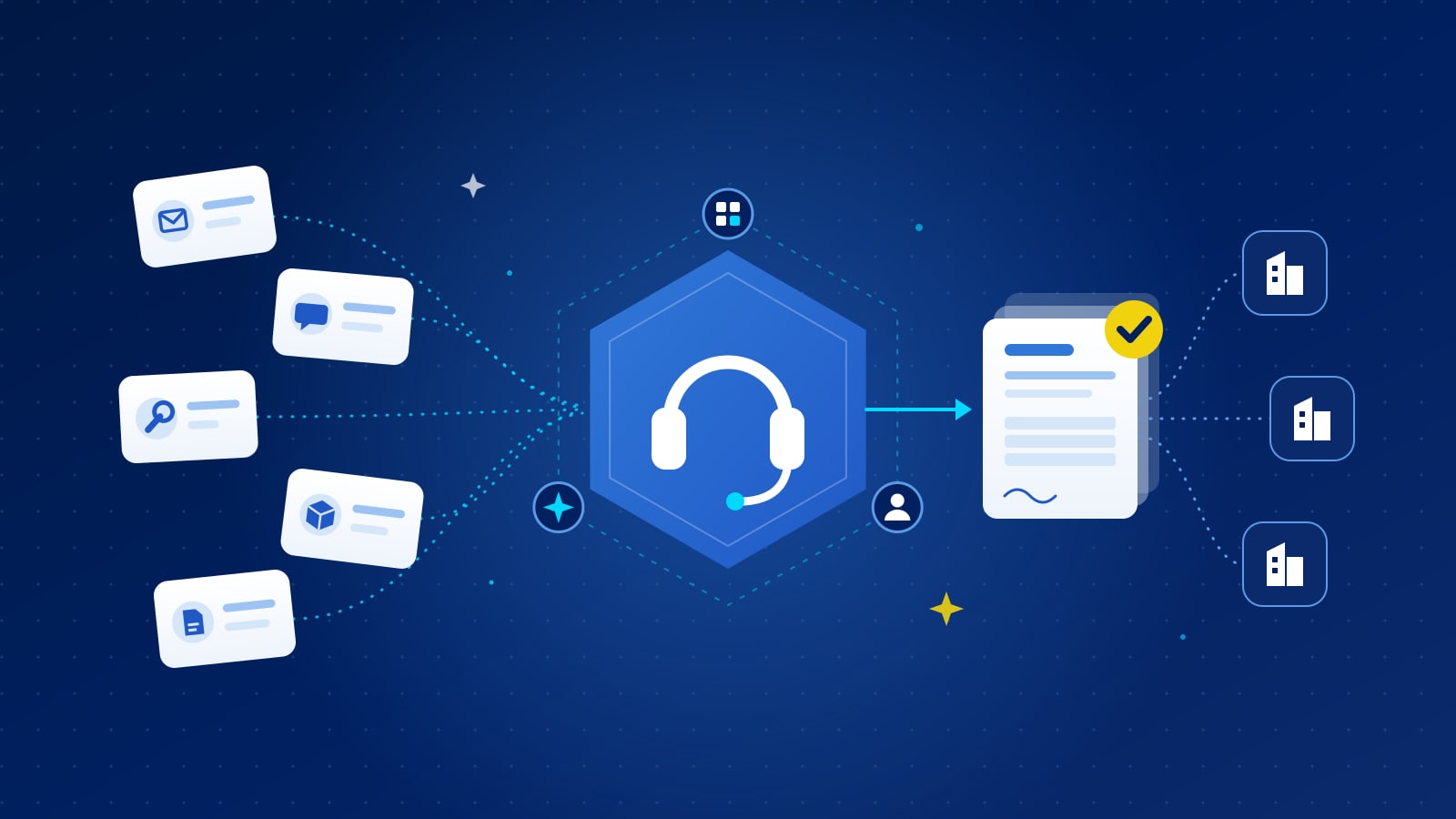
A buying desk is a small, dedicated service that takes purchase requests from anyone in the business and turns them into approved purchase orders: it finds suppliers, gets quotes, negotiates and handles the paperwork. A managed buying desk is the same thing run by an outside provider. It beats an in-house procurement team on one-off, specialist and urgent purchases that are too small for a category manager's time but too awkward for a catalogue.
What does a buying desk actually do?
Think of it as a procurement front door for everything that does not fit a contract or a catalogue. A typical desk handles:
- Intake. Requests arrive by email, chat or a form, in the requester's own words. The desk clarifies the specification instead of sending the requisition back.
- Sourcing. It finds suppliers who can deliver the item in the right country, including ones you have never used.
- Quotes and comparison. It issues the request for quote, chases responses and compares bids on price, delivery, terms and supplier risk.
- Negotiation. It pushes back on the best offers rather than accepting the first price.
- Supplier onboarding. It runs the vendor checks, such as the supplier's trade licence and tax registration, so a new supplier does not stall the purchase.
- Order and follow-up. Once your approver signs off, it raises the purchase order and follows the delivery through.
The point is not that a buying desk does anything a procurement team cannot. It is that it does the small things consistently, every time, without pulling category managers away from the work that moves the numbers.
When does a buying desk beat an in-house procurement team?
An in-house team is built for depth: strategic categories, long contracts, supplier relationships and negotiations worth weeks of effort. That is the right design for large spend. It is the wrong design for the long tail, where each purchase is small and different from the last.
A buying desk tends to win in these situations:
- One-off needs. A replacement part for an older machine, a piece of lab equipment, event materials for a single launch. There is no contract to call off, and nobody on the team knows the market.
- Specialist items. Purchases that need a supplier search outside the usual approved list. A desk that sources across many categories every week finds suppliers faster than a team that does it occasionally.
- Urgent requests. When a line is down or a site needs something this week, the request needs a dedicated owner and a clock, not a place in a queue behind strategic projects.
- Spread-out demand. Requests coming from many sites, countries or business units, each too small to justify a local buyer.
- Peaks. A project start, a new office or a year-end budget push can sharply increase the number of small requests for a few months. A managed desk absorbs that without new hires.
The in-house team should keep anything strategic, high risk or high value, and anything where the relationship with the supplier matters more than the individual transaction.
When is an in-house team still the better choice?
Some purchases look small but are not tail spend in any useful sense:
- Items covered by an existing framework agreement, which should be called off from that contract.
- Categories with safety, quality or compliance requirements that your own specialists must own.
- Purchases that set a long-term commitment, such as a service with renewal terms.
- Anything above the value ceiling you agree for the desk.
The cleanest setups draw the line by value and by category, and write it down so requesters know where to go without asking.
How do the in-house and managed models compare?
| Question | In-house procurement team | Managed buying desk |
|---|---|---|
| Best suited to | Strategic categories, contracts, key suppliers | One-off, specialist and urgent tail purchases |
| Capacity | Fixed headcount | Scales with request volume |
| Supplier reach | Your approved list | Your list plus the provider's network |
| Speed on small requests | Competes with strategic work for attention | Dedicated, measured against an SLA |
| Supplier invoices | One per supplier used | Can be consolidated into a single vendor |
| Control | Full | Through your rules, thresholds and approvals |
What should you agree with a managed buying desk?
A managed desk is only as good as the terms you set for it. Agree these before the first request:
- Scope and ceiling. Which categories it covers and the purchase order value it can handle. Above the ceiling, requests go to normal sourcing.
- Approval. The desk recommends; your own approval chain decides. No purchase order should issue without your authorised approver signing it off.
- Written SLAs. Put response times in the contract, not in a slide. As a reference point, in one Gulf programme we run, quick RFQs work to a 3 working day SLA and supplier onboarding to a 2 working day SLA. Your levels should reflect your own categories and locations.
- Competition rules. How many quotes a request needs, and when a single source is acceptable.
- The invoicing model. Whether suppliers invoice you directly, or the provider invoices you as a single vendor. The one-vendor model means finance pays one supplier instead of hundreds, and new suppliers do not each need to be set up in your ERP.
- Reporting. Spend by category, cycle time, savings against first quote, and the number of new suppliers used.
Where does METIS fit?
In METIS, the Buying Desk is one of three ways to buy on the same platform, alongside a catalogue for recurring items and AI sourcing agents for one-off needs. The agents take a request in plain English, find suppliers, issue the RFQ, score bids on price, delivery, terms and supplier risk, and negotiate inside limits you set. The Buying Desk handles the exceptions the agents should not, and everything goes through your own approval chain before a purchase order is issued with an audit trail. The managed service can invoice you as a single vendor.
For how a buying desk compares with catalogues, marketplaces and sourcing tools, see tail spend management platforms compared. How it works shows the full flow.
What are the practical next steps?
- Pull a sample of recent small purchases. Mark which were one-off, specialist or urgent. That is the volume a buying desk would take.
- Measure how long they took. Request to purchase order, in days. This is your baseline.
- Decide the line. Agree the value ceiling and the categories that stay with your team.
- Write the SLAs. Response time for quotes, onboarding time for new suppliers, and how exceptions are escalated.
- Choose the invoicing model. Direct supplier invoices or one vendor, based on what your finance team wants to process.
- Pilot with one business unit. Compare cycle time and price against the baseline before widening it.